
 wptreasure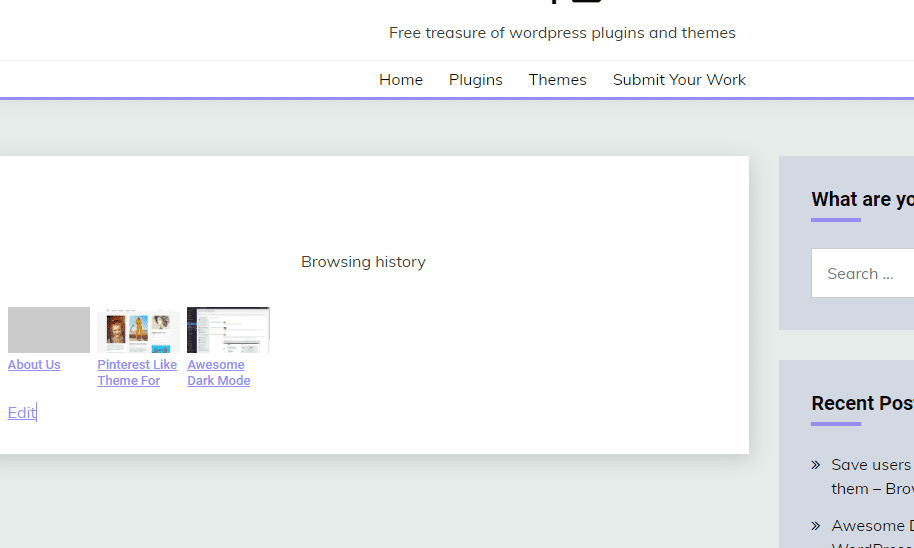
The plugin will show a post list containing all WordPress pages (posts, pages, custom post types) a user has visited.
This plugin is simple. The user’s browsing history will start saving by just installing the plugin and you can display them anywhere you want with just a shortcode.
Logged-in user’s data will be saved in the user meta. Other user’s data is saved to Browser/Web Storage.
Usage Guide:
1. Install the Browsing History plugin on your site.
2. Paste the shortcode anywhere [ccc_browsing_history_list_results] to display browsing history on the site.
3. Following are the parameters to configure the post list:
- title: Title
- posts_per_page: Number of posts per page
- class: Additional CSS class
- style: Additional Styles
- post_type: Post type
[ccc_browsing_history_list_results title="" posts_per_page="" class="" style=""]
Download WordPress Plugin:
You can download this free WordPress theme by clicking the download button below.
Note: the plugin is available under GNU General Public License.